Cars, Friends, and CabotFest
Started out this morning meeting up with some friends just a few minutes from the
Lately I’ve been seeing a lot of discussion about using AI to create car show flyers and other graphics that are making their way around social media. I figured I’d take a minute to share a few thoughts on the topic and explain how I use AI in my own workflow.
First off, I use AI every day for editing—whether it’s something I’m working on for this website or posts for my social media platforms. One thing I don’t do is let it write for me. Yes, I will occasionally let it create some background images, but only with a very specific set of instructions and a clear description of exactly what I want. AI can be very helpful in your workflow, but it needs to be put in the right place.
The main thing I use AI for—and ChatGPT is my preference—is editing articles and social media posts. Again, I give it specific instructions on what I want done and what I expect as the output. Then I copy and paste what I’ve written after those instructions and let it go to work.
One thing you always have to remember is to check the work of your preferred AI engine. These tools can and will get things wrong, so you have to be careful. In fact, when someone asks me how to use AI, I tell them to treat it like they’re talking to a four-year-old. You have to be very specific and always double-check the results.
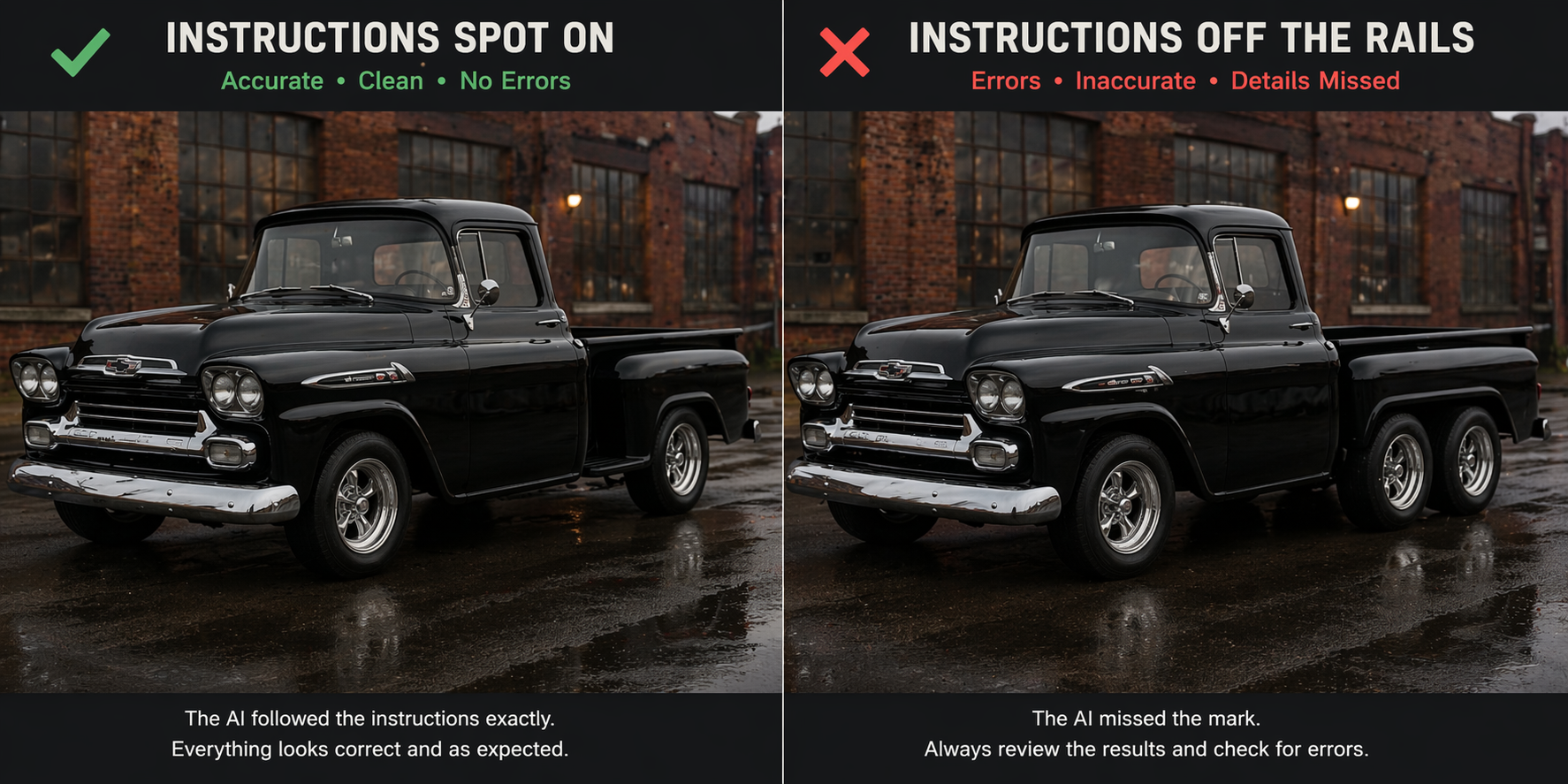
I also use AI to help generate images, just like the feature image on this article. I gave ChatGPT a very specific set of instructions to generate the background image. After that, I used the tools I normally use to build graphics—adding an overlay, adjusting transparencies, placing my logo, and adding the text.
Once I have the graphic created, I’ll even upload it to ChatGPT and ask it to review it for me to make sure everything looks balanced, the colors work well together, and the transparencies are doing what they’re supposed to do. I actually learned just a couple of weeks ago that you can upload images (JPG or PNG), PDF files, Word documents, and other formats for AI to review and offer suggestions to help improve how things look, read, and flow.
So while I believe AI can be harmful if it’s used the wrong way, I also believe it can be a very useful tool. The key is remembering that it’s just that—a tool, not the whole toolbox. And like any tool, it needs to be used in the right place within your workflow.
At the end of the day, AI can help you do better work—but it shouldn’t be the one doing the work for you.
At the end of the day, AI is just another tool. It can help with editing, organizing ideas, and even improving how something reads or looks. But just like any other tool, it’s only useful when it’s used in the right place. The ideas, the voice, and the final product should still come from you. AI might help along the way, but it shouldn’t be the one behind the wheel.
Of course, this is just the workflow that I’ve found works best for me. Everyone will use tools a little differently, and that’s fine. The important thing is making sure the work—and the ideas behind it—are still your own.